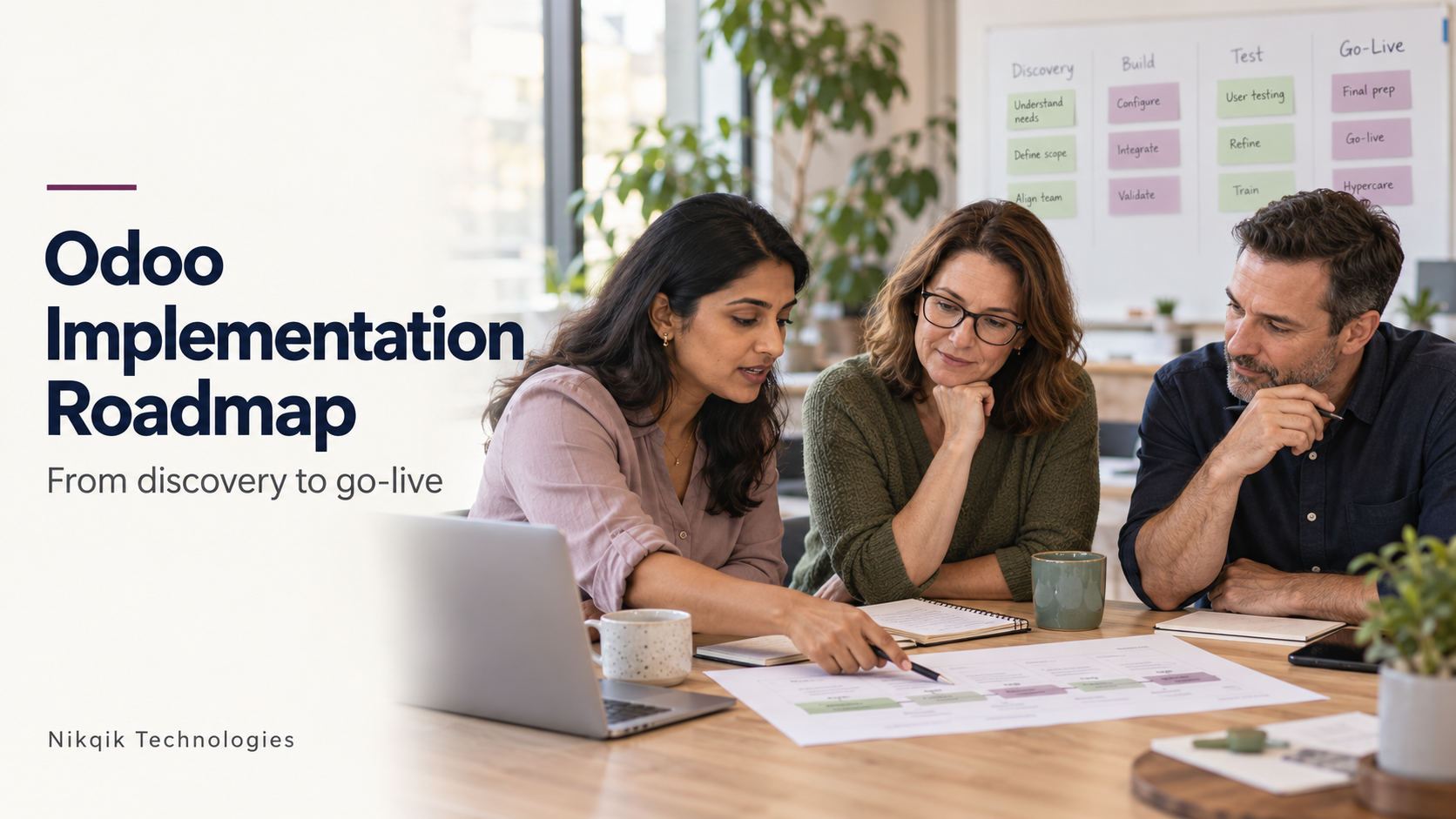

You have decided to bring Odoo into your business. Now come the practical questions. Who needs to be involved? What happens to your existing records? How much time will your team need to set aside? And how do you keep the business running while the change takes place?
A good Odoo implementation plan answers these questions before configuration begins. It gives everyone a shared understanding of the work ahead, including the decisions only your business can make.
This roadmap takes you from the first discovery workshop to go-live and ongoing support. It explains what happens at each stage, what your team contributes, and where Australian requirements such as GST, BAS reporting and payroll need attention.
Why an Odoo implementation roadmap matters
An implementation is easier to manage when everyone knows what needs to happen next and what “finished” means at each stage. Without that shared understanding, a configuration decision can be approved before finance or operations has seen how it affects their work.
Start by exploring what Odoo can do through standard configuration. Its implementation guidance favours a focused scope and careful consideration of custom development. This gives you a useful starting point: understand the business requirement, demonstrate the standard workflow, then decide whether anything needs to change.
The phases below overlap. Data preparation can begin during discovery, and testing should continue as workflows take shape.
Discovery and process review
Discovery is where your team explains how the business actually runs. The most useful conversations happen around real examples: a customer order, a supplier invoice or the steps involved in closing the month.
Bring the people who do the work into these sessions, alongside the managers who approve decisions. Ask what happens when an order changes, a delivery is incomplete or an invoice needs correcting. These details help shape a setup people can use confidently.
By the end, you should have an agreed scope for the first release, documented workflows and a named owner for each business area. Everyone should understand what is included now and what will be considered later.
Configuration
Configuration turns those decisions into working processes in Odoo. Your consultant sets up the agreed applications, user permissions and approval steps, then walks your team through them.
Review the setup with familiar examples. Can a sales employee complete an order with the right information? Can a manager approve a purchase? Does finance receive what it needs to invoice correctly?
Odoo documents Australian accounting and payroll localisations, including BAS-related functionality. Check the capabilities available in your chosen version and edition, and have your accountant or payroll adviser validate the relevant settings and outputs.
This stage should leave you with a configuration your business owners have reviewed, plus a clear record of any requirements still to resolve.
Data migration
Data migration begins with deciding what deserves a place in the new system. You may need active customers, products, open orders and outstanding balances. Older records may be better kept in an accessible archive, depending on your operational and record-keeping requirements.
Your team owns the meaning and accuracy of that information. The implementation team handles the mapping and transfer, but someone in the business needs to resolve duplicate suppliers, missing product details and unclear balances.
Run a trial migration before the final move. Compare record counts, reconcile financial totals and inspect individual records to check that their links are correct.
The result should be a repeatable migration process with business sign-off. A successful import matters, but so does knowing that the information is complete and usable.
Integrations
Some services may need to keep exchanging information with Odoo. For each connection, agree what moves between systems, how often it moves, and which system holds the authoritative record.
Business owners should explain what they need from the connection, while the technical team works through the transfer and recovery rules. For example, what should happen if the same transaction arrives twice or a connection stops halfway through an update?
Before calling an integration ready, check that errors are visible and someone knows how to resolve them. You should finish this phase with tested data flows and clear responsibility for monitoring them.
Testing and user acceptance
Testing gives your team a chance to use Odoo before daily operations depend on it. The implementation team checks the setup, permissions, data and integrations. Business users then work through realistic scenarios in user acceptance testing.
Follow a transaction from beginning to end. Create an order, process delivery, raise the invoice and check the accounting result. Include corrections and exceptions, because these are part of normal business too.
Record what passed, what needs fixing and who owns each issue. Retest corrections and agree which outstanding items would prevent go-live.
The outcome is documented approval from the people responsible for the work.
Training
People learn more easily when training resembles their working day. Give them the configured system and tasks they recognise, with time to practise and ask questions.
A finance session might cover reconciliation and invoice corrections. An operations session might focus on receiving goods or handling a partial delivery. Include less frequent tasks, such as month-end activities, so they do not become unfamiliar territory later.
Department leads should help organise training around actual responsibilities. Short task guides and named internal contacts give people somewhere to turn afterwards.
By the end, users should be able to complete their core tasks without someone guiding every click. Protect time for this practice in the project schedule.
Go-live and hypercare
Go-live is the point when your business begins using Odoo for the agreed scope. Getting there requires a detailed cutover plan: when old-system entry stops, when final data moves and who checks that everything is ready.
Rehearse the important steps beforehand. Finance should know which balances it will verify, operational leads should know what their teams will check, and the business sponsor should know who recommends proceeding or postponing.
Hypercare provides closer support during the first days or weeks of live use. It includes reviewing issues daily, checking early transactions and watching integrations for anything that needs attention.
Agree how this period ends. Your team should know what support remains available and who takes ownership after the implementation team steps back.
Ongoing support and improvement
Once people are comfortable with daily work, their feedback becomes more useful. They may notice a report that needs adjusting, an approval that takes too long or a task that would benefit from more training.
Give these requests a clear route. A business owner should help set priorities, while the support team assesses the work and tests changes before release.
Keep improvements manageable. You do not need to introduce every possible capability immediately after go-live.
The aim is a system that continues to fit the business, supported by an agreed process for resolving issues and making changes.
Budgeting for the whole project
Licence fees are only part of an Odoo implementation budget. You also need to allow for the work of preparing data, configuring processes, connecting services and checking that everything works.
Your own team’s time deserves equal attention. Finance may need several working sessions to reconcile trial data. Department representatives need time for demonstrations, decisions and testing, alongside their usual responsibilities.
Ask for a proposal that makes these commitments visible. It should explain what is included, what your team must provide and how additional work will be approved.
Plan for training and post-go-live support from the beginning. The budget should carry you through the first period of live operation, when people are putting their training into practice.
Your first 90 days
The schedule below shows how a focused first release could be organised. It is a planning example, not a promise that every implementation will reach go-live within 90 days.
| Period | What happens | What you should have |
|---|---|---|
| Days 1–15 | Discovery workshops, scope decisions and data review | Agreed priorities and named business owners |
| Days 16–35 | Configuration reviews and data preparation | Working processes your team has reviewed |
| Days 36–55 | Trial migration and integration testing | Checked data and verified connections |
| Days 56–75 | User acceptance, training and cutover rehearsal | Evidence to support a go-live decision |
| Days 76–90 | Go-live, if ready, followed by closer support | Live operations with issues actively managed |
A broader rollout may need longer, particularly where several entities, complex integrations or payroll are involved. Set the date around the work required and your team’s availability.
How Nikqik approaches Odoo implementation
At Nikqik Technologies, quality engineering and enterprise application delivery are central to our work. Testing is a core differentiator, and it shapes how we think about implementation readiness.
For your business, that means asking practical questions. Can your people complete the work they need to do? Have the right owners checked the results? Is there enough evidence to make a confident go-live decision?
Clear ownership matters throughout. Your finance lead should understand what they are approving. Department managers should know when their teams are needed. Outstanding questions should have someone responsible for resolving them.
As a Sydney-based IT consulting firm, we would begin with a conversation about your processes and the support you need. The specific Odoo services, supported versions and editions, and ongoing support responsibilities would need to be confirmed when defining the engagement.
The roadmap gives that conversation a practical starting point, with business readiness guiding the plan.
Talk through your next step
You do not need every requirement settled before starting a conversation. Knowing which processes you want to improve and who can help make decisions is a useful beginning.
If you are considering Odoo, speak with Nikqik about your readiness, the work involved, and what a sensible first release could include.